> For the complete documentation index, see [llms.txt](https://docs.reportpundit.com/llms.txt). Markdown versions of documentation pages are available by appending `.md` to page URLs; this page is available as [Markdown](https://docs.reportpundit.com/getting-started/home.md).
# Home
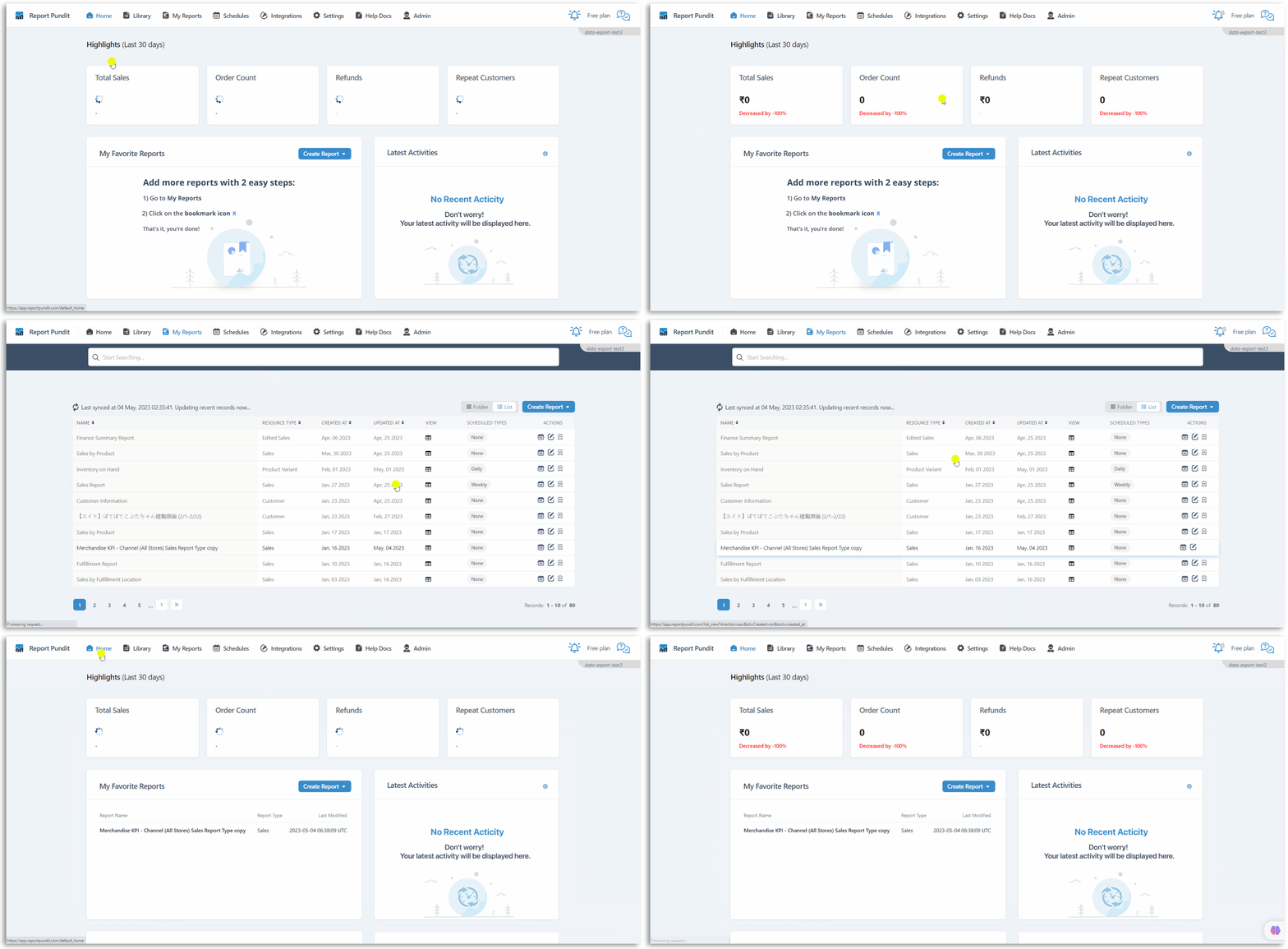
The Home page gives an overview of your account status and activities. You can also see information about integrations and popular reports.
## :pager:Highlights
Quickly view your store performance over the last 30 days in neatly arranged tabs. You can even see when the data was last refreshed.

## :heart\_decoration:My Favorite Reports
Shows the list of reports you've marked as **Favorite.**

### :clipboard: Steps to add a report to 'My Favorite Reports'
* Go to the "**My Reports**" page.
* Click on the **Favorite Icon** to add the report to '**My Favorite Reports**'.
*That's it! You've successfully added a report to 'My Favorite Reports".*
## :scroll:Latest Activities
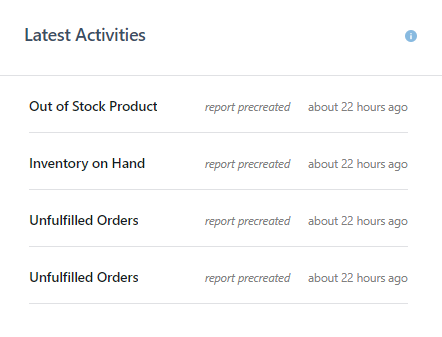
Check out what activities you've performed in your Report Pundit account in the recent past. The list is arranged in descending order, starting with your latest activity.
## :handshake:Popular Integrations
Find out which third-party app integration is trending among Report Pundit customers. Also see if your account is connected to any of the apps. Click on **View More** at the bottom to reach the **Integrations** page.
## :boom:Popular Reports
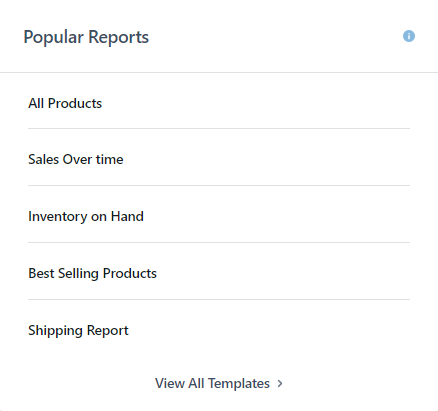
All the pre-made report types that are currently loved by our customers. The **View All Templates** button at the bottom of the panel leads to our **Library** page with the available templates.
{% hint style="success" %}
Stay updated about your store via your Home page with real-time information.
{% endhint %}